
DisplayXR Browser
The web, in depth.
A Chromium-based browser for spatial displays. 3D models, movies, photos and video calls appear right inside the page, and every other site works exactly as it does today.
Install DisplayXR first: the browser needs your display's plug-in to show 3D.
- Windows
- Android
- Linux
- macOS· coming soon
- iOS· not available
No “Enter VR”
3D becomes part of the page, like images and video did.
On the web today, 3D usually means a button that takes the page away and asks for a headset. In the DisplayXR Browser the 3D stays in its place, next to the text, the price and the buttons. You scroll, click and read around it like any other content.
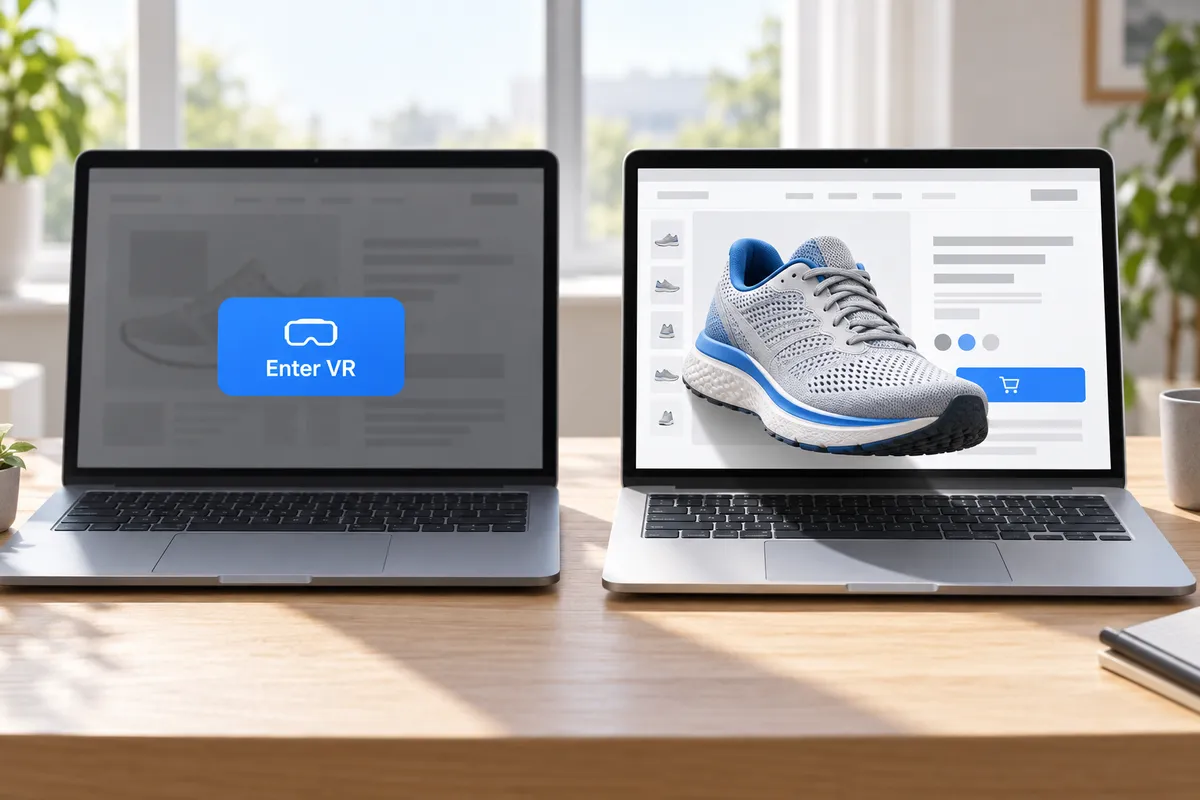
Built with the DisplayXR Browser
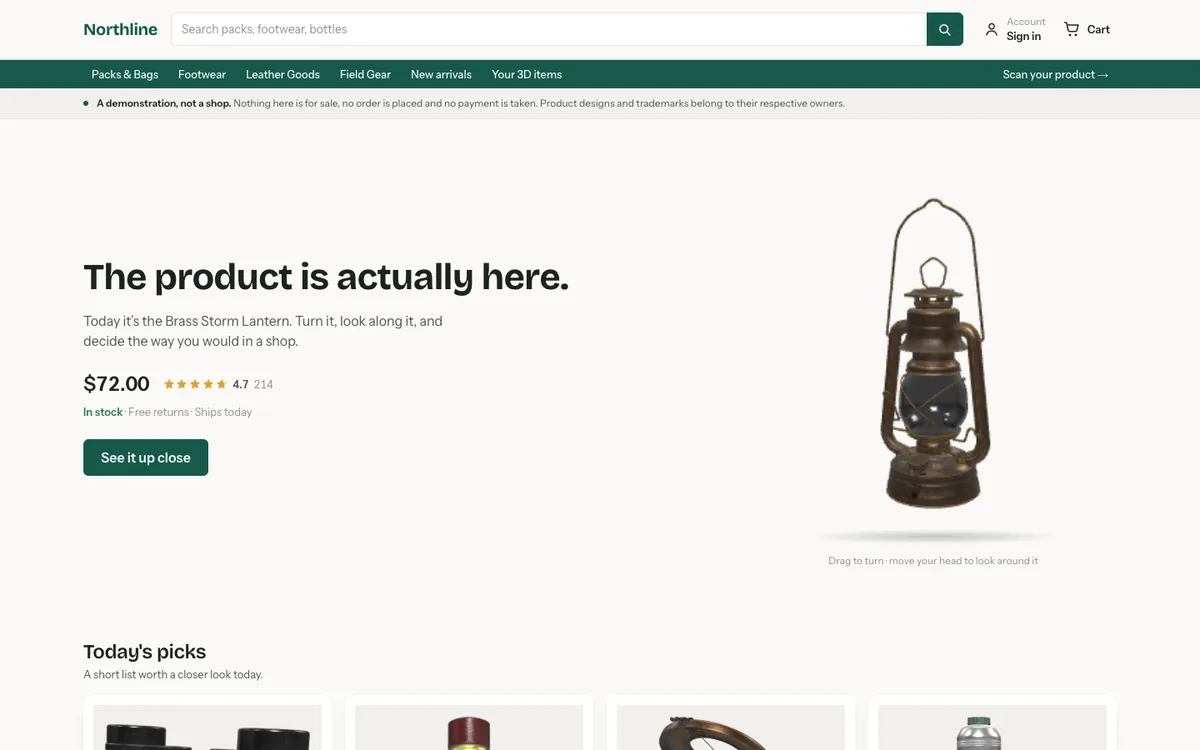
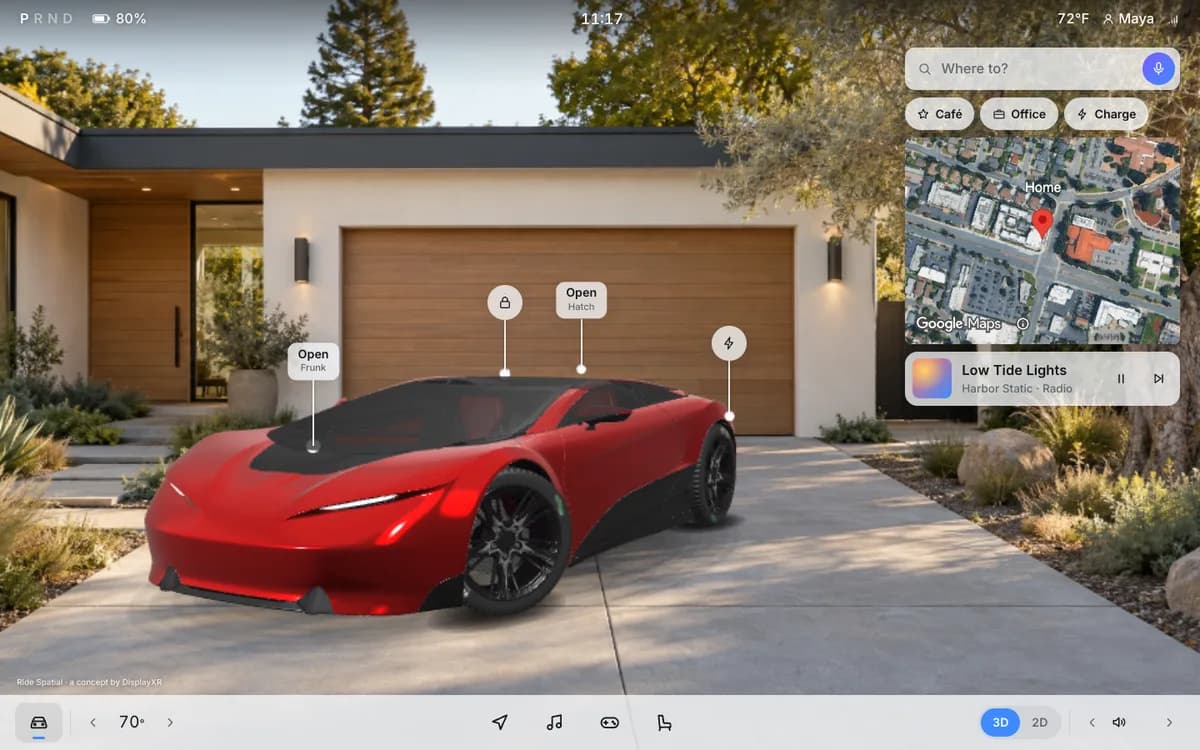
Three sites you can open right now.
Each one is an ordinary website. Open it in any browser to look around; open it in the DisplayXR Browser on a spatial display to see it in depth.
What it does
What it does on a spatial display.

Author 3D inline, with a few lines of JavaScript
Turn any <canvas> into a 3D window. Products, scenes, photos and video sit in the page. In other browsers the same page shows them in 2D, so it is safe to ship anywhere.
Windows · Android · Linux
Build for it →
Existing 3D sites, in depth, automatically
Pages built with three.js, PlayCanvas or Spark render in 3D with no change to the page. On for popular 3D sites, offered on the rest, and you stay in control per site.
Windows · Linux

Turn photos and videos into 3D, on the fly
Right-click an image or a video and choose Convert to 3D. It is converted right in the page.
Windows
Live video conversion needs a display with a 2D-to-3D conversion module.

Embed 3D in any site
Drop-in viewers for products and captured places, a 3D movie player, and 3D video calls anyone can join from any browser.
Windows · Android · Linux
Call depth comes from callers with a stereo camera; other callers appear in 2D.
See them in DisplayXR Ride →
Share it with a link
A 3D page is just a URL. Post it anywhere: people on a spatial display see depth, everyone else sees the page.
Any browser can open it
See the Gallery →Examples
What people do with it.
Every example below is safe to open in any browser: you get the ordinary 2D page, and depth on a spatial display.

Shop
See the product, not a photo of it.
A 3D viewer for the glTF models your store already serves, right in the product page.
Try it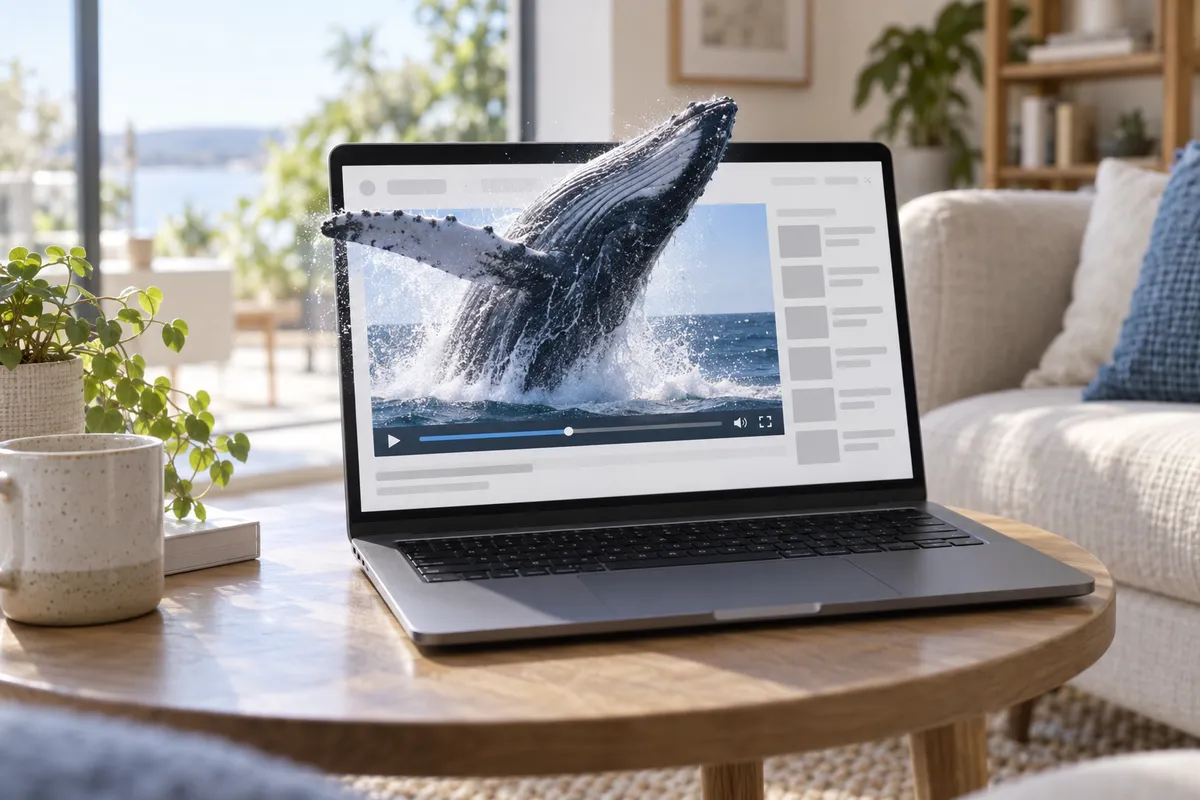
Watch
3D movies, right in the page.
Side-by-side and top-bottom 3D video plays in 3D, with ordinary player controls.
Try it
Call
Face to face, in depth.
A caller with a stereo camera appears in 3D; everyone else joins in 2D from any browser.
Try it
Photos
Your 3D photos, the way they were taken.
Stereo photos show in 3D in a feed, and as ordinary photos everywhere else.
Try it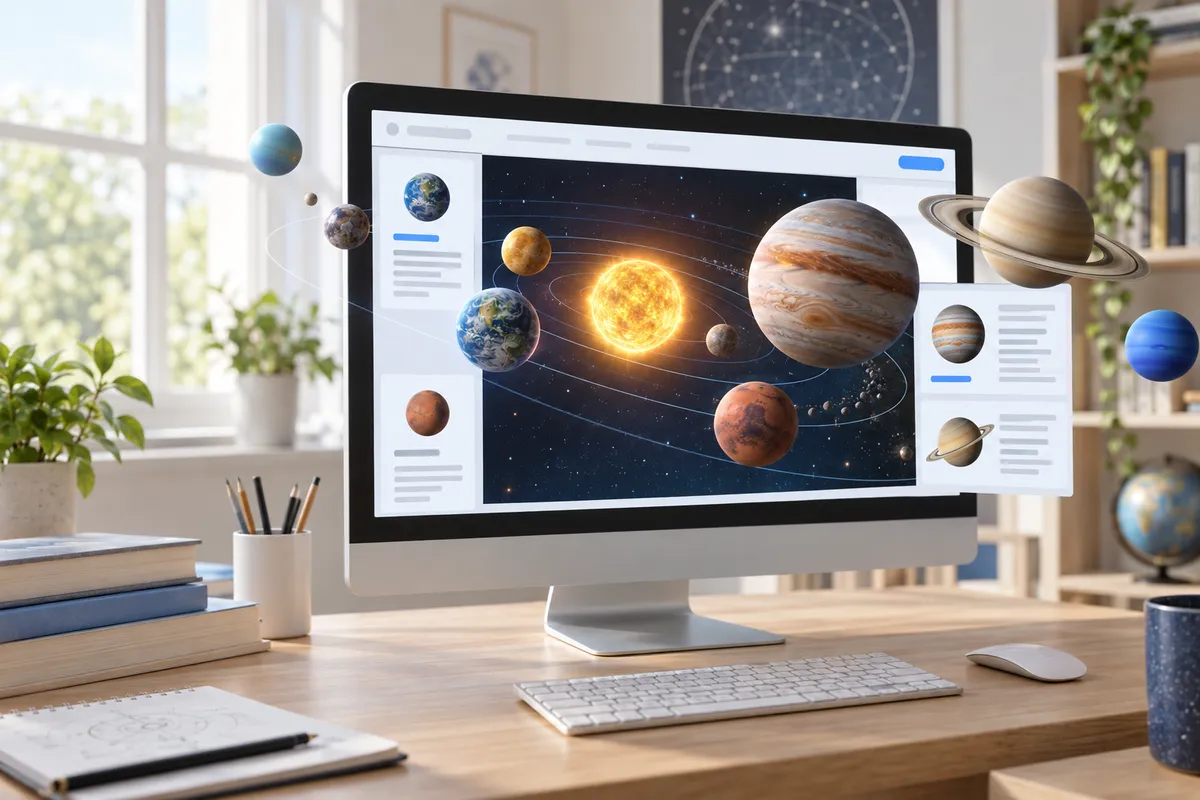
Explore
Places and ideas you can look around.
Scenes you move through, from heritage sites to the solar system, with your own renderer.
Try itBuilding blocks
Small samples, one SDK feature each, with their source in displayxr-web.
Build for it
The 3D web is already here. Add yours in a few lines.
Every API degrades to an ordinary 2D view in other browsers, so a page ships safely everywhere with no feature-detection boilerplate.
npm install @displayxr/inline3d@1.30.0 playcanvasWorks with three.js · PlayCanvas · glTF / GLB (Draco, meshopt, KTX2) · Gaussian splats · side-by-side and top-bottom video · WebRTC.
Authoring guide · Live samples · Building a native app instead? Developers
import { createInline3D } from '@displayxr/inline3d';
import { addModel } from '@displayxr/inline3d/model';

const wall = await createInline3D();     // 3D on a spatial display, 2D elsewhere
const hero = addModel(wall, document.querySelector('#product-hero'),
  'https://cdn.example.com/products/chair.glb',
  { environment: 'studio', idleSpin: 8 });
await hero.ready;| @displayxr/inline3d | The core: 3D photos (addImage), 3D video (addVideo) and live WebGL scenes (addScene). Dependency-free. |
| /three | three.js glue: an off-axis eye camera, edge feathering, display and camera rigs. |
| /model | A glTF / GLB viewer: auto-framed, idle turntable, drag to orbit. Draco, meshopt and KTX2 load too.preview |
| /player | A 3D movie player with transport controls: side-by-side, top-bottom or mono.preview |
| /call | A drop-in video-call element for up to four people, with no accounts.preview |
| /splat | Gaussian splats: captured places and objects as a 3D tile.preview |
| /viewer | Framing, orbit and idle turntable for scene viewers.preview |
The core and /three are stable; preview modules can change their options in a minor release.
Where it runs
Windows, Android and Linux today. macOS is coming.
| Feature | Windows | Android | Linux | macOS |
|---|---|---|---|---|
| 3D content in pages built with the SDK | soon | |||
| 2D page chrome correctly over 3D | soon | |||
| Display follows the tab (3D page in front → 3D) | soon | |||
| Existing three.js / PlayCanvas / Spark pages in 3D | soon | |||
| Right-click Convert to 3DLive video conversion needs a display with a 2D-to-3D conversion module. | soon | |||
| 3D video calls (stereo-camera callers) | soon | |||
| MP4 3D movies | soon | |||
| Chrome-stable security updates | soon |
A dash means not offered, or not yet verified on that platform. Linux: Ubuntu 24.04 or 26.04, with the DisplayXR runtime installed.
Questions
Can it be my everyday browser?+
Yes. It is Chromium, so every website works as usual, and it is rebuilt for every Chrome stable security release. On a computer without a spatial display it is simply a browser.
Do websites need to change?+
Not for pages already built with three.js, PlayCanvas or Spark: on Windows and Linux those can show in 3D as they are. To put 3D into a page on purpose, a few lines of JavaScript with the SDK are enough.
Can I watch Netflix in 3D?+
No. The browser does not include DRM, so commercial streaming services won't play. Self-hosted 3D video plays in 3D, and on Windows you can convert ordinary video with a right-click.
What hardware do I need?+
A spatial display with a DisplayXR plug-in, with or without glasses. Install DisplayXR first, then the browser.
Is it free?+
Yes. The browser is free to download and use. The SDK and samples you build with are open source. It is not affiliated with Google and has no Google sign-in or sync.
See the web in depth.
Free for Windows, Android and Linux. macOS is coming soon.